

Getting Started
Everything you need to apply, get approved, and set up your business profile — so pet owners can discover you, contact you, and book your services.
Your onboarding journey
Getting onto Tails Up takes four steps. The first is a short form; the rest happen once our team approves your request.
Apply
Submit the onboarding request form.
Review
Our team checks your request (1–2 business days).
Approval
You get an email with login credentials.
Set up
Log in and complete your profile.
Apply to list your business
Everything starts on the “Register Your Business” page — no account needed yet. The form has two short sections, Your Information and Business Information. Fields marked with an asterisk are required; you’ll receive your login details by email after approval.
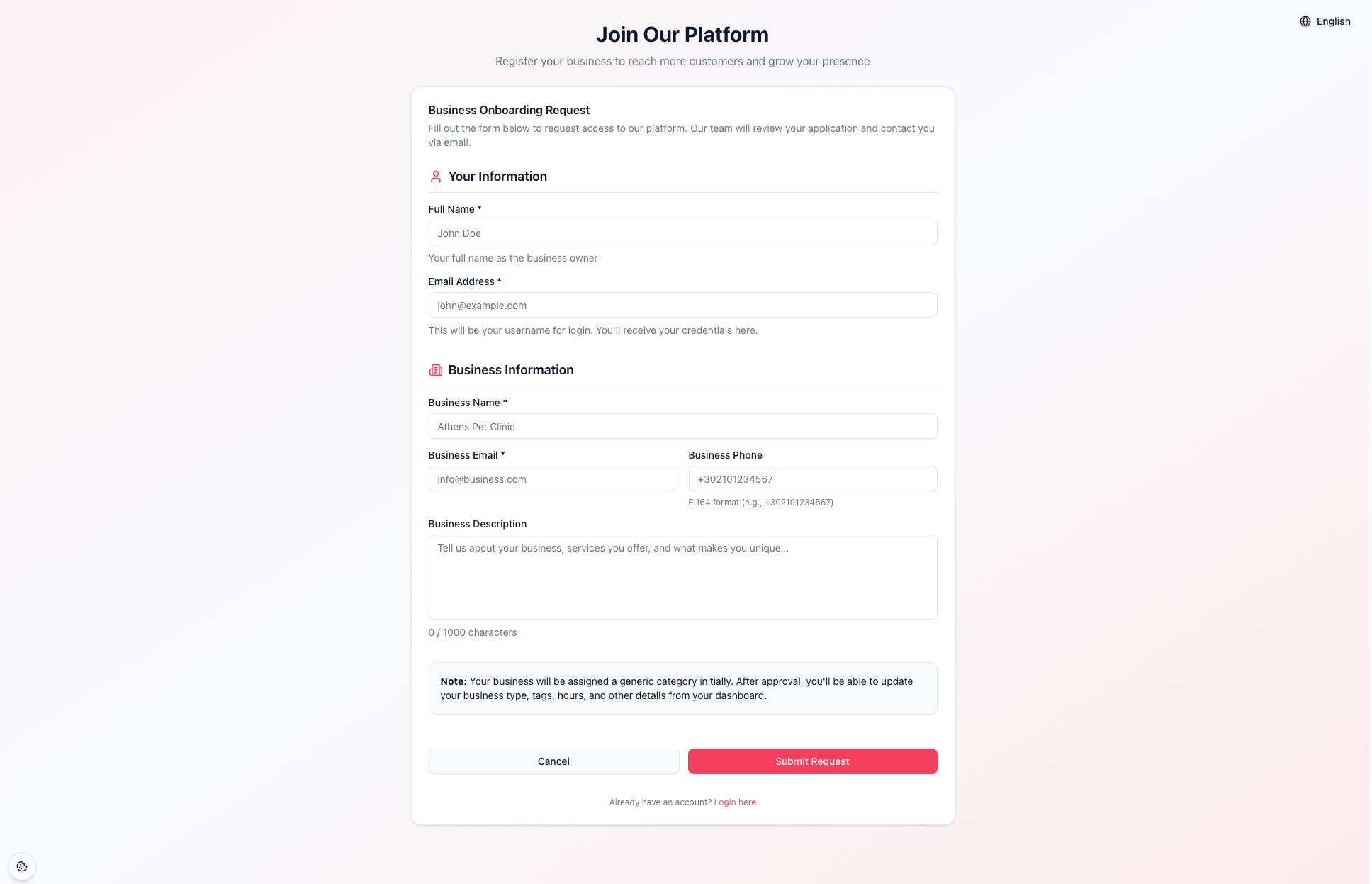
What you’ll fill in
- Full Name *
- Your name as the business owner or main contact — used to address you in communications.
- Email Address *
- Your owner email. This becomes your login username, and your credentials are sent here.
- Business Name *
- The public name of your business (e.g. “Athens Pet Clinic”), shown to pet owners in search.
- Business Email *
- A monitored inbox for your business — it can differ from your owner email.
- Business Phone
- Optional. Use international E.164 format, e.g. +302101234567 (7–15 digits).
- Business Description
- Optional. A short paragraph on who you are and what you offer, up to 1,000 characters — you can refine it later.
Tips for a fast approval
Use a business email you check regularly, write a clear one - or two-sentence description, and double-check your phone number format. Accurate details help us approve you quickly.
About your category
New businesses start with a generic category. After approval you can set your exact business type, add tags, hours, and location from your dashboard — so don’t worry if the form doesn’t ask for every detail.
When you submit, you’ll see a “Request Submitted Successfully” confirmation. You can safely close the page — the rest arrives by email.
Wait for approval
Your request goes to the Tails Up team for review. Here’s the sequence:
- 1
We review your request
Our team verifies your business details. This typically takes 1–2 business days.
- 2
You receive an approval email
Once approved, we email the address you registered with — keep an eye on your inbox and your spam folder.
- 3
The email contains your login credentials
It includes your username (your email) and everything you need to sign in for the first time, plus your next steps.
Didn’t get the email?
Give it a full 1–2 business days first. If it still hasn’t arrived, check spam, confirm you used the right email, then contact support. Never share your login credentials with anyone.
Log in to your dashboard
Once you have your credentials, head to the Tails Up login page.
- Sign in with your email (your username) and the credentials from your approval email.
- Navigate to your Business Dashboard — your home base from here on.
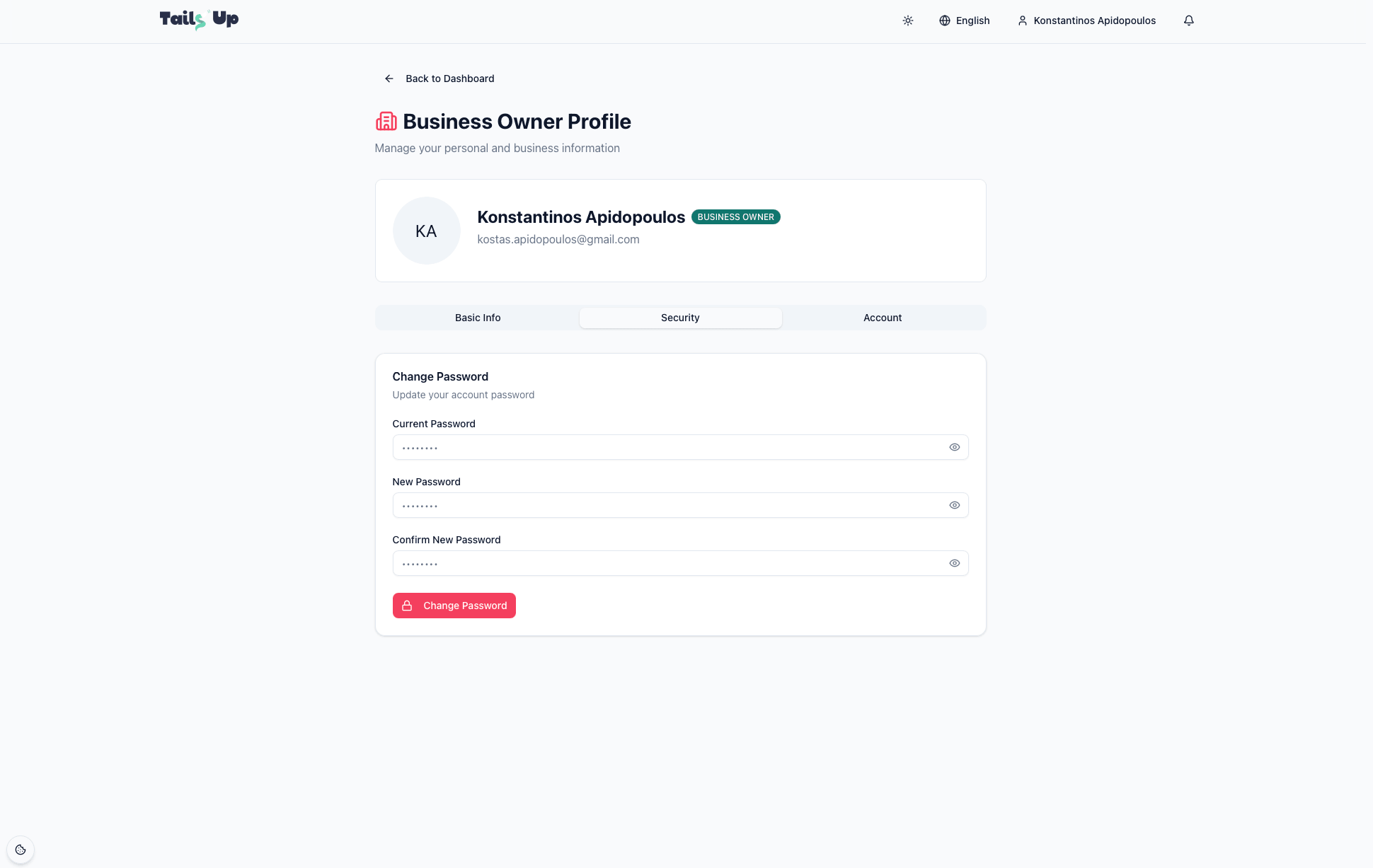
- For your security, set a strong, unique password and keep your login details private.
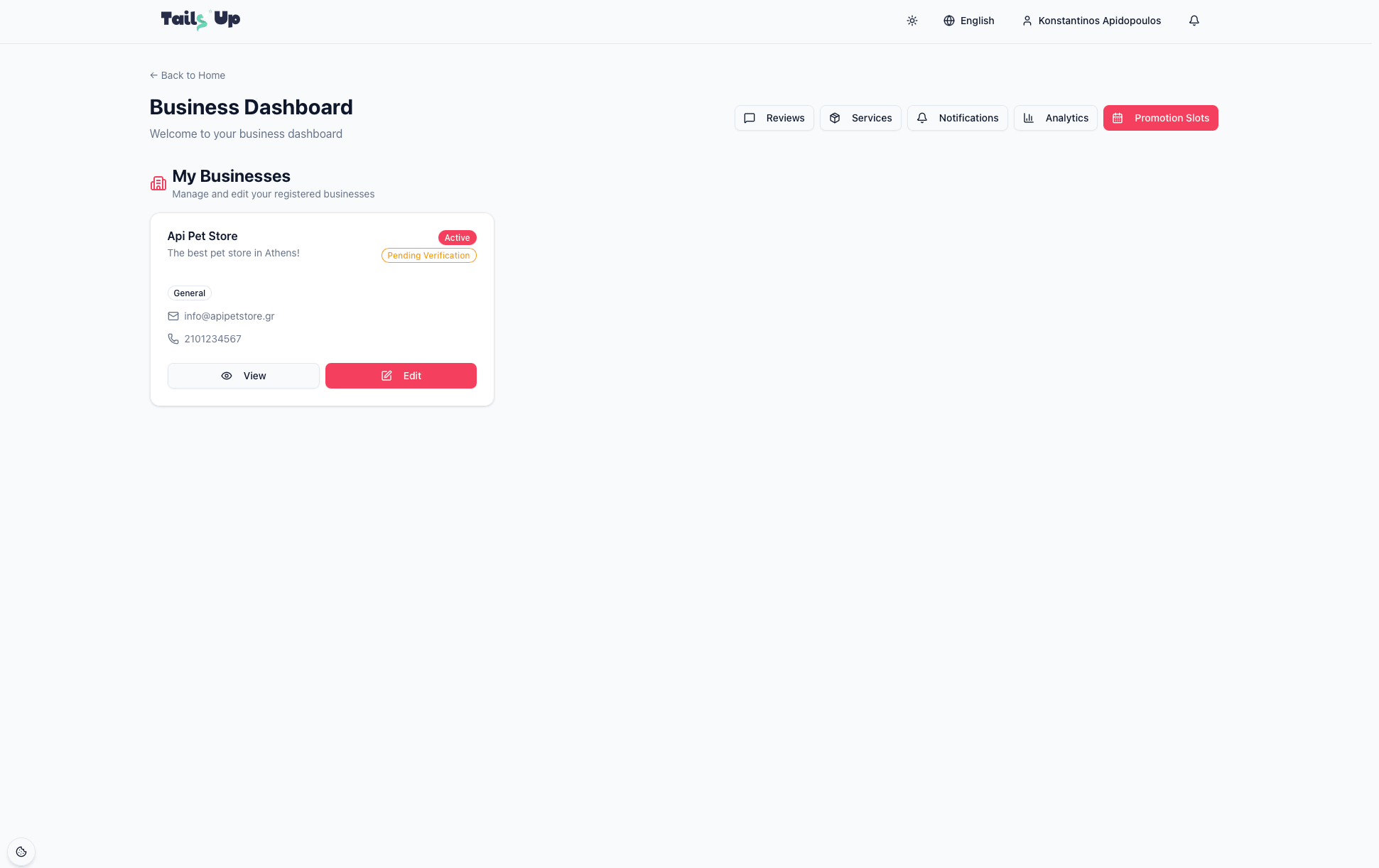
On the dashboard you’ll find your My Businesses area, along with sections for reviews, offerings, notifications, analytics, and promotion slots. On your first visit your business is listed but the profile still needs completing — that’s the next step.
Complete your business profile
A complete profile is what makes you discoverable and trustworthy to pet owners. From the dashboard, open My Businesses → Edit. The editor is organised into tabs:
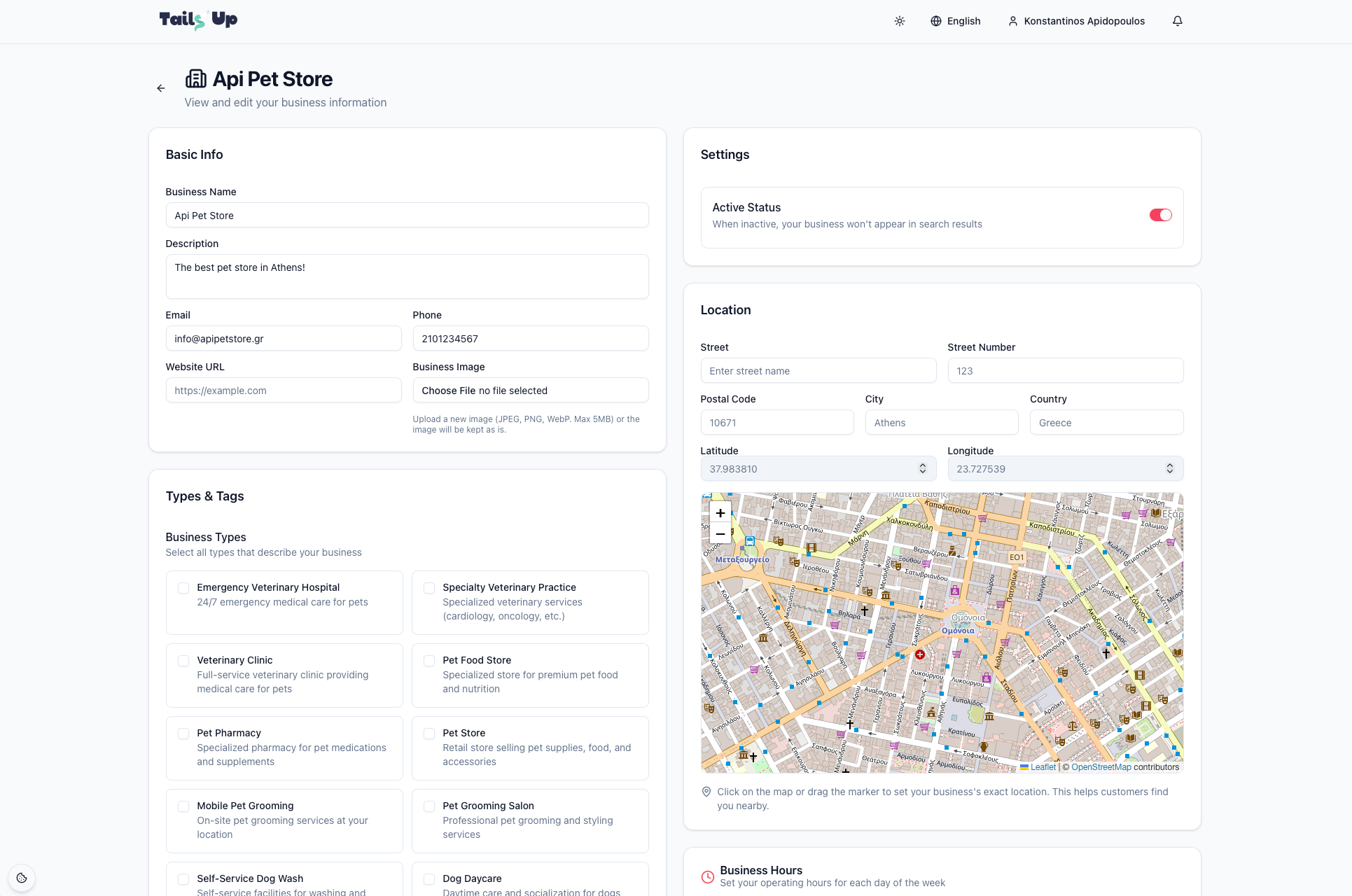
Add your business image
A clear logo or storefront photo helps you stand out. Upload a JPEG, PNG or WebP file up to 5 MB — you can replace it any time from the Basic Info tab.
Getting verified & going active
Your Active status controls whether your business appears in search — keep it active once you’re ready for customers. A Verified badge builds extra trust; verification can have an expiry date shown on your business page so you know when to renew.
Save as you go
Fill in what you can now and come back for the rest — each tab saves independently. The more complete your profile, the more often you’ll show up when pet owners search nearby.
Set your location on the map
Pin your exact location so customers can find you easily. Click the map or drag the marker and the address fields fill in automatically. Watch the short walkthrough below.
Your go-live checklist
Tick these off and your business is ready to be discovered on Tails Up.
- Onboarding request submitted and approval email received.
- Logged in and set a secure password.
- Basic info complete — name, description, email, phone, website.
- Location set on the map with a correct address.
- Business types & tags selected so customers can find you.
- Business hours set for every day of the week.
- Business image uploaded (logo or storefront).
- Status set to Active so you appear in search.
You’re set up — what’s next?
With your profile live, you’re ready to add what you sell and start attracting customers. Continue with Growing Your Business to set up offerings, collect and respond to reviews, read your analytics, and feature your business with promotion slots.
Growing Your Business